Skip to headlines
clockwire Search
LIVE
Businesses supporting Ukraine told to 'act now' to protect against Russian sabotage Nasdaq, S&P 500 fall as Nvidia-driven AI rally unwinds Karnataka plans State-wide blood donation drive on November 25 Houthis won't seize Aden, Yemeni government forces say Sinner set for extended spell on sidelines after knee surgery Eastern Libya’s Haftar visits Ankara, to see Erdogan Supermarket hostage situation in Colombia's Cartagena disrupts incoming flights Gold falls 2% on hawkish Fed bets, US inflation data in focus Matryoshka: What is the Russian disinformation campaign targeting Spain's election? Man charged with murder of missing 20-year-old woman Reform ends Senedd boycott Hardship: Be patient with Tinubu, Akiolu urges Nigerians Danantara targets up to Rp6 trillion Profit in 2027 Disney’s ‘Hexed’ Casts Weak Spell Over Rotten Tomatoes Critics US consumer confidence jumps to highest level in nearly two years
‹ Back to your news
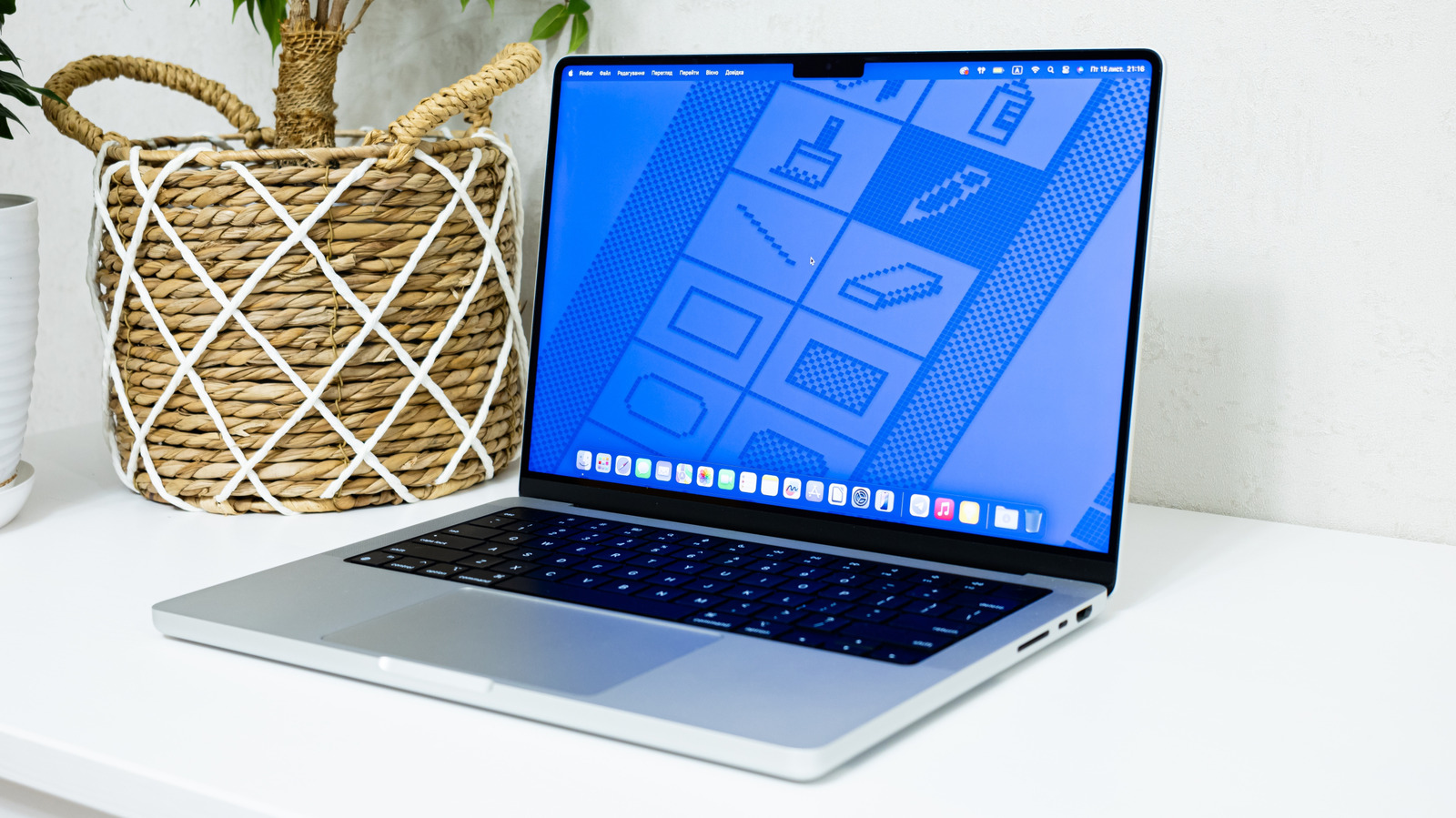
Why your MacBook desktop Spaces keep rearranging themselves and how to stop it

SCI & TECH

Why your MacBook desktop Spaces keep rearranging themselves and how to stop it

Covered by 1 source Earliest report we found (when we found it)

How each outlet tells it

Engadget (US) first seen · private

Why your MacBook desktop Spaces keep rearranging themselves and how to stop it

Why your MacBook desktop Spaces keep rearranging themselves and how to stop it

Disable a Mission Control-specific setting to keep Spaces from switching.

Read at Engadget